

Click one of the underlying accounts to view an Overview.

In this view, you can choose an account by clicking the dropdown arrow at the top near the account name, or you can choose not to select an account and you’ll get the household view. You can also change the date options by clicking the blue date option dropdown on the right side. You can also get to the Personal Finances view by clicking the second icon down on the left side:

To keep the portal in a household view, do not select an individual account, instead, leave this section on “Managed Accounts”:

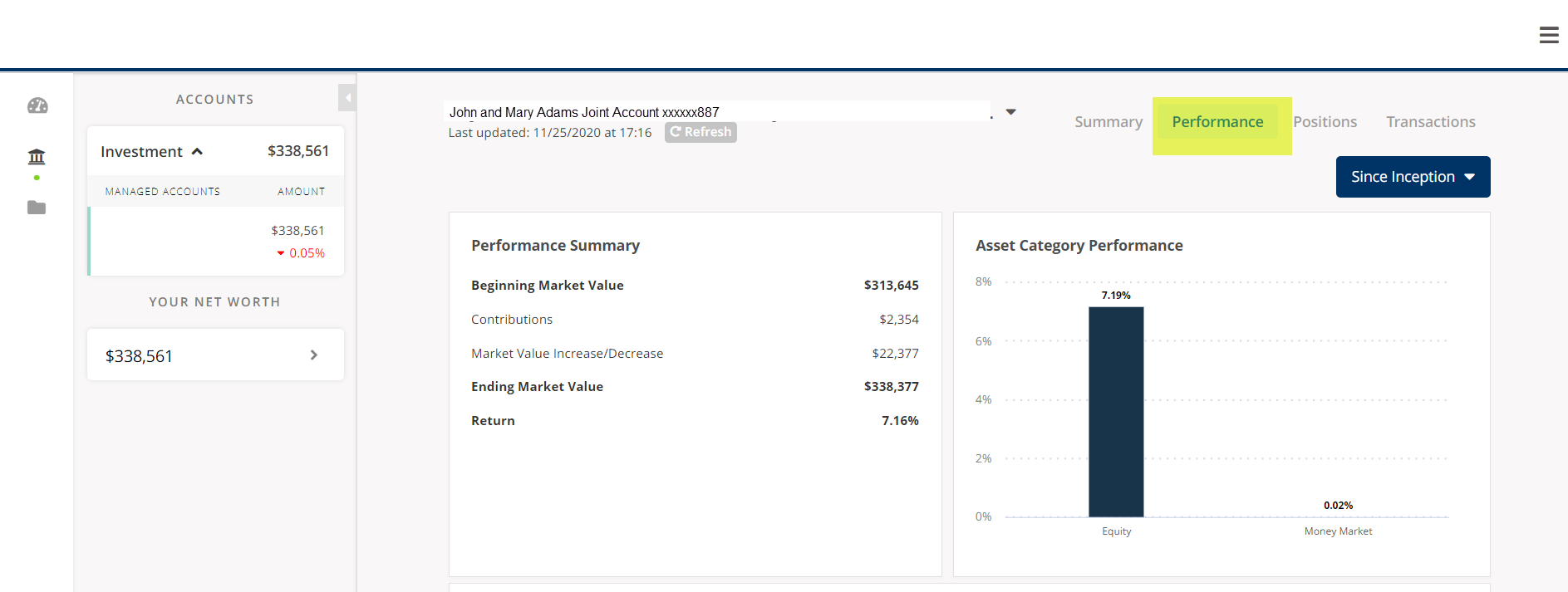
In this view, you will see more detailed performance activity including contributions and withdrawals along with performance by category (Equity, Fixed Income, Money Market).
This will show you your asset allocation in graph form as well all of your individual holdings. The individual holdings section will display the market value, cost basis, unrealized and realized losses and the percentage of your account that holds each position.

In this view, you can see the transactions within the account you are viewing such as the buys, sells, withdrawals, deposits and dividends. You can also change the date range by clicking on the blue button in the upper right.

*Please note that the screenshots shown of the Client Portal are from a sample account created for demonstration purposes only. This sample account is being used for illustrative purposes only and does not represent actual client experiences or outcomes.