


Overview
(Main dashboard, household aggregate)

Personal Finances
(Performance by account, Performance by Household, Asset Allocations, Positions, Transactions)

Vault
(Quarterly Report Delivery)
Once you are logged in, this is the first screen that you will see, this is an Overview of your managed accounts with Trek. This is a household view of all the accounts in your household. The overview page can also be found by clicking the first icon in the upper left.
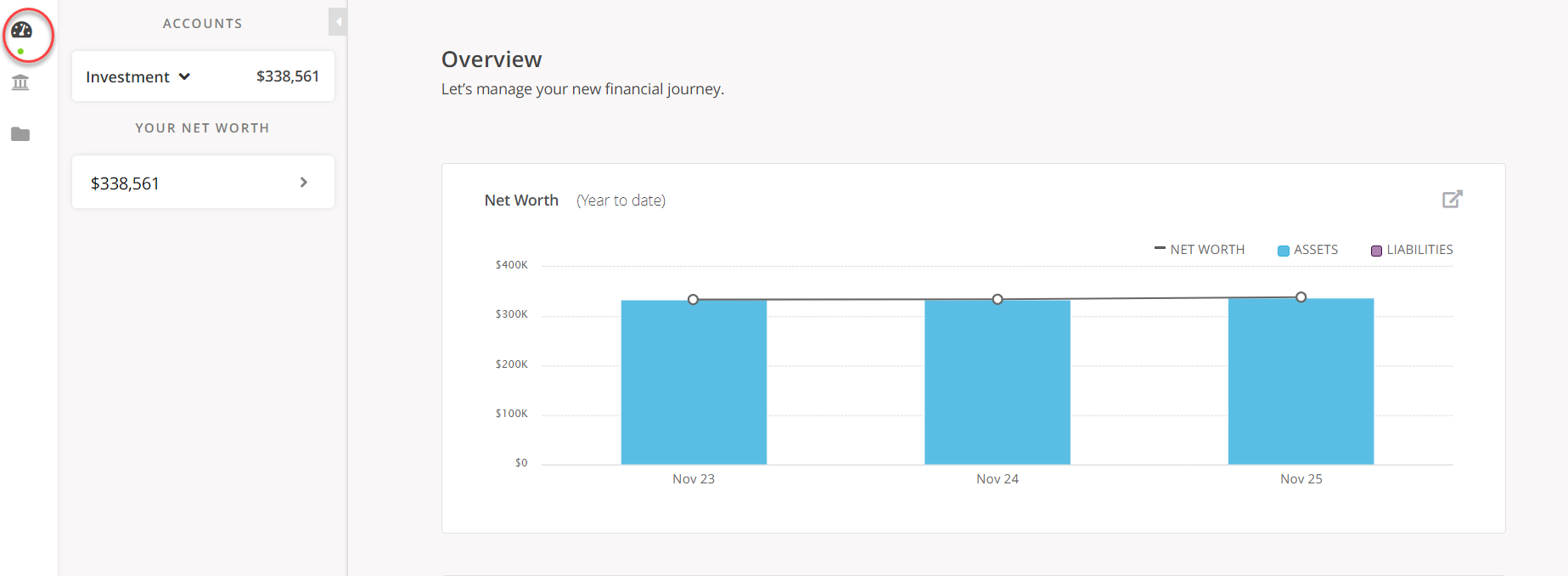
Click the arrow next to “Investment” to see the accounts that are linked to your Portal:
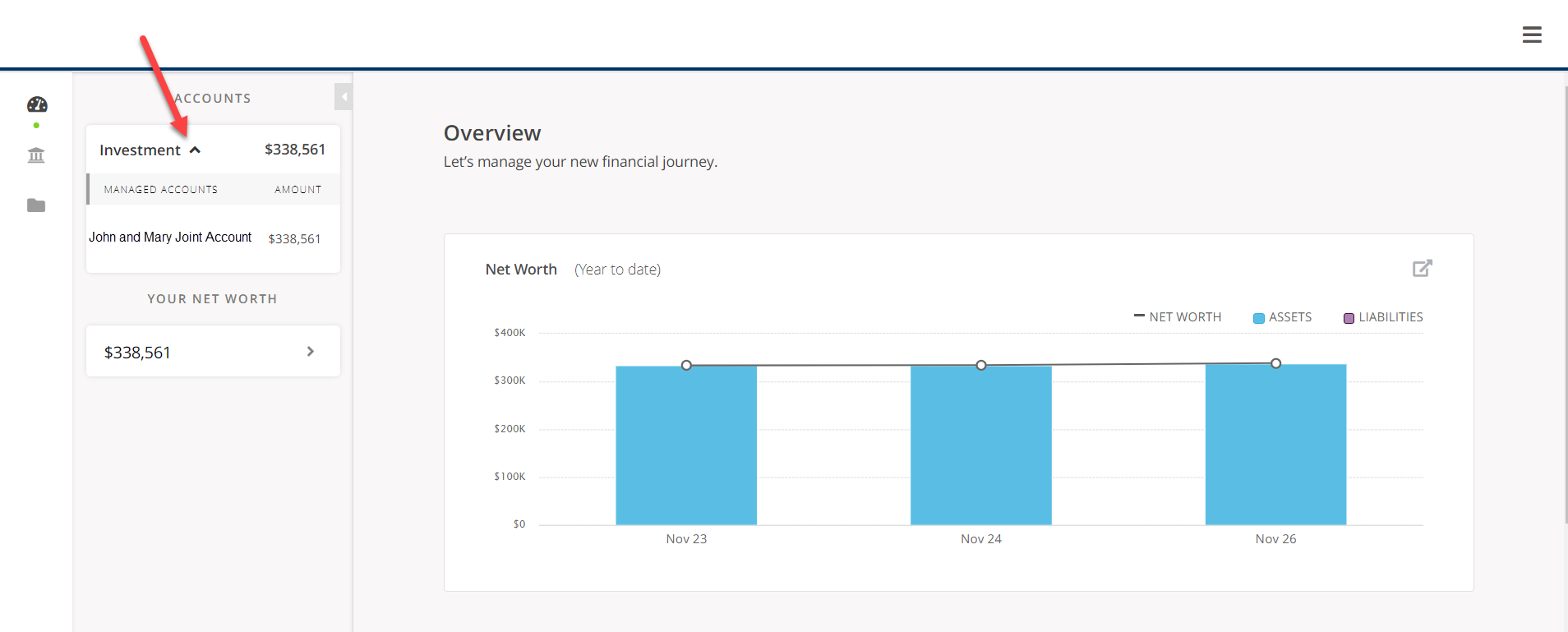
*Please note that the screenshots shown of the Client Portal are from a sample account created for demonstration purposes only. This sample account is being used for illustrative purposes only and does not represent actual client experiences or outcomes.